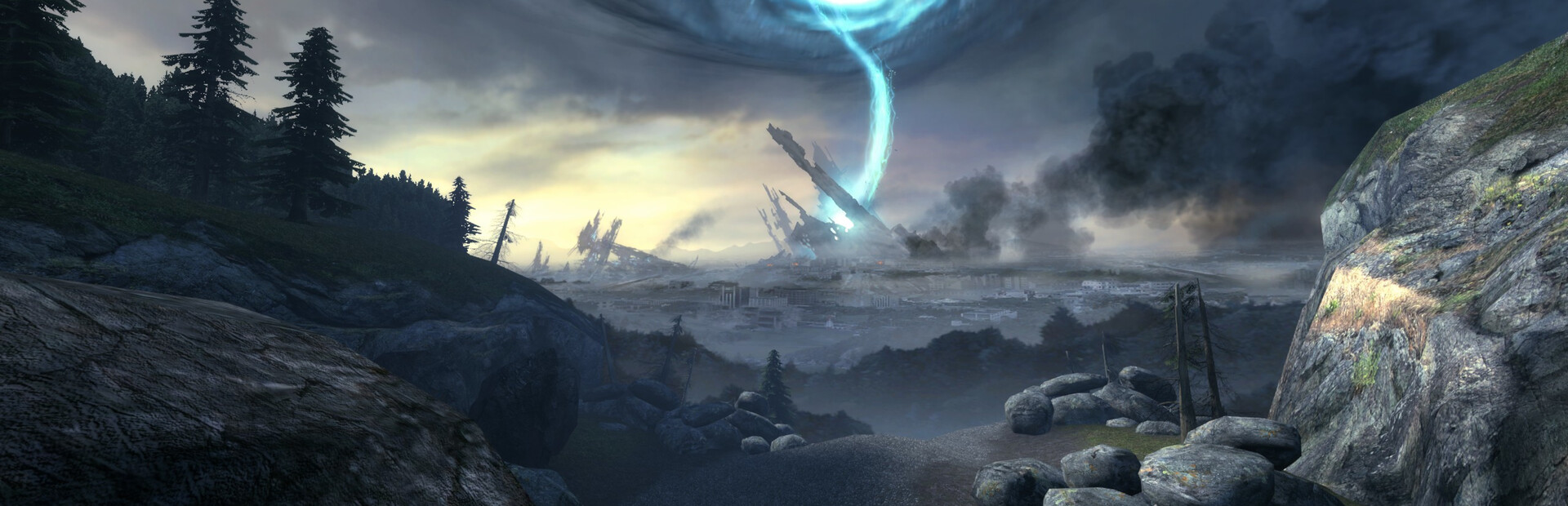
 Half-Life 2: Episode Two
Drive through the White Forest and fight the Combine in room-scale VR.
The catch: Episode Two includes vehicle driving and the store page documents no comfort options.
Will it run on your rig?
Check my rig
Set your rig to check fit.
Launch Kit
Get Half-Life 2: Episode Two running
Steps are general until you ; then the runtime step matches your headset.
-
Set your VR runtime
This mod runs through SteamVR. Start your headset's PC link first (Quest Link, Air Link or Virtual Desktop), then start SteamVR.
General step from us -
Install Half-Life 2: Episode Two (Steam)
Install it and launch it once in flat mode to finish first-time setup, then quit.
General step from us -
Have these ready
Half-Life 2: Episode Two owned on Steam · SteamVR-compatible headset and controllers · Windows 10
From the creator's guide -
Creator step 1
Own Half-Life 2: Episode Two on Steam
From the creator's guide -
Creator step 2
Add the free Episode Two VR Mod from its Steam store page
From the creator's guide -
Creator step 3
Start SteamVR with your headset
From the creator's guide -
Creator step 4
Launch it from your Steam library
From the creator's guide -
First launch in VR
Put the headset on, then start Half-Life 2: Episode Two the way the creator's guide says. Calibrate your height in the first area.
General step from us
Stuck?
Last Steam news post I saw was the December 2023 update
Reported on the creator's page or the linked sources. Known issue
Black screen in the headset
This mod runs through SteamVR. Start your link (Quest Link, Air Link or Virtual Desktop) first, then SteamVR, and only then the game. If SteamVR shows the headset but the game is flat, close the game and launch it again the way the creator's steps say. General tip from us
Controllers don't show up
Start Link, Virtual Desktop or SteamVR before the game, and make sure the controllers are awake before launch. General tip from us
Stutter or low frame rate
Lower the in-game resolution or render scale first, then shadows and volumetrics. Close overlays you don't need. General tip from us
The mod didn't load at all
Recheck the game version against the creator's page; a game update is the most common cause. Then reinstall the mod files. General tip from us
Prefer a guide that talks back?
Copy a prompt for Claude Code on your PC. It asks before every download or change, and only uses the official page.